
Color shifts in sublimation, particularly when reds turn orange, can be frustrating. This often happens due to ink quality, temperature fluctuations, and the choice of substrate. High-quality inks maintain vibrancy, while temperature variations can affect color absorption. Additionally, using the right substrate is key for accurate color output. Regular printer calibration and proper color profiles are essential for keeping colors true. If you’re curious about more ways to guarantee vibrant results, there are further solutions to explore.

Get your wardrobe favorites delivered free — and shop member deals
- Fast, free delivery on millions of items
- Access to Prime Big Deal Days deals on October 6–7
- Prime Video, Amazon Music and more included
Key Takeaways
- Color shifts from red to orange occur due to discrepancies in color profiles and inadequate color management in sublimation processes.
- High-quality inks are essential; low-quality inks can cause undesirable color shifts and lack vibrancy during printing.
- Temperature variations during sublimation can affect ink absorption, leading to shifts in color fidelity, particularly in reds.
- Choosing the right substrate is crucial; compatible materials like high-quality polyester fabrics yield more accurate and vibrant colors.
- Regular printer calibration and testing with ICC profiles help maintain color accuracy and prevent shifts in sublimation outputs.
As an affiliate, we earn on qualifying purchases.
What You Need to Know About Color Shifts in Sublimation
When you’re diving into sublimation printing, it’s important to understand color shifts, as they can markedly affect the final outcome of your project. Color consistency is essential for achieving the vibrant results you desire. Different sublimation techniques can influence how colors appear, especially during the transfer process. For example, variations in temperature and pressure can lead to unexpected shifts, making it crucial to calibrate your equipment accurately. Additionally, monitoring the quality of your inks and substrates can help minimize discrepancies. Always test prints before committing to a larger run, allowing you to catch any potential issues early. By being aware of these factors, you can enhance your projects and guarantee your colors stay true to your original design.
Why Do Reds Shift to Orange in Sublimation Printing?
When you print in sublimation, you might notice that reds often shift to orange, and that can be frustrating. This shift can stem from color profile issues, the quality of your ink, and temperature factors during printing. Understanding these elements can help you achieve the vibrant reds you’re aiming for.
Color Profile Issues
Certainly! Here’s your article subheading content with the requested modifications:
—
Although you may expect vibrant reds in your sublimation prints, they often shift to orange due to color profile discrepancies. This issue primarily stems from inadequate color management and improper printer settings. If your color profiles aren’t correctly calibrated, the reds you envision can end up looking duller or more orange than intended. Understanding the principles of color theory can also enhance your ability to predict and correct these shifts. Additionally, employing holistic SEO strategies can help ensure a comprehensive approach to color management. Understanding the RGB and CMYK color models can further clarify why certain colors may not translate well in printing.
To combat this, make sure your design software and printer are using the same color profiles. Regularly update your printer settings to match the media and ink type you’re using. This alignment helps maintain color accuracy and prevents unwanted shifts. By taking these steps, you’ll improve your prints’ vibrancy and achieve the reds you originally wanted. Effective color management is key to successful sublimation printing, just as color accuracy impacts overall image quality in other visual mediums. Additionally, understanding budgeting principles can help allocate resources effectively for better printing materials and equipment.
—
Let me know if you need any further adjustments!
Ink Quality Matters
Ink quality plays a crucial role in achieving accurate colors in sublimation printing. If you’ve noticed your reds turning orange, it’s likely due to factors related to ink formulation and pigment stability. High-quality inks maintain their vibrancy better and resist fading. Here are some key points to take into account:
- Ink formulation affects how colors mix and transfer.
- Pigment stability guarantees that colors stay true during the printing process.
- Low-quality inks can lead to unexpected shifts.
- Consistency in ink batches prevents color variations.
- Always test inks before committing to large runs.
Temperature Influence Factors
Temperature plays a critical role in sublimation printing, as even slight variations can cause reds to shift toward orange. When you expose your prints to temperature extremes, the heat distribution can unevenly affect ink absorption, leading to less vibrant colors. Humidity effects also come into play; high moisture levels can alter how inks interact with substrates, impacting color retention. Your printer settings need to be precise—incorrect temperatures can exacerbate these shifts. Furthermore, proper substrate preparation guarantees a uniform surface, maximizing the ink’s potential. Don’t overlook environmental factors, as they can greatly influence your results. By managing these elements, you can maintain your reds and prevent unwanted shifts during the sublimation process.
The Impact of Ink Quality on Color Accuracy
When you consider the intricacies of color accuracy in sublimation printing, the quality of the ink plays an essential role. High-quality ink guarantees vibrant and consistent colors while minimizing undesirable shifts. Here are some key factors to keep in mind:
The quality of ink is crucial for achieving vibrant and consistent colors in sublimation printing.
- Ink formulation: A well-balanced mix can enhance color consistency.
- Pigment quality: Using premium pigments results in richer and more accurate hues.
- Ink viscosity: Proper viscosity allows for smoother application and better saturation.
- Printer settings: Calibrating settings can dramatically affect color output.
- Drying time: Adequate drying ensures that colors set correctly, reducing the chances of smudging or fading.
How Substrate Choices Affect Color Output
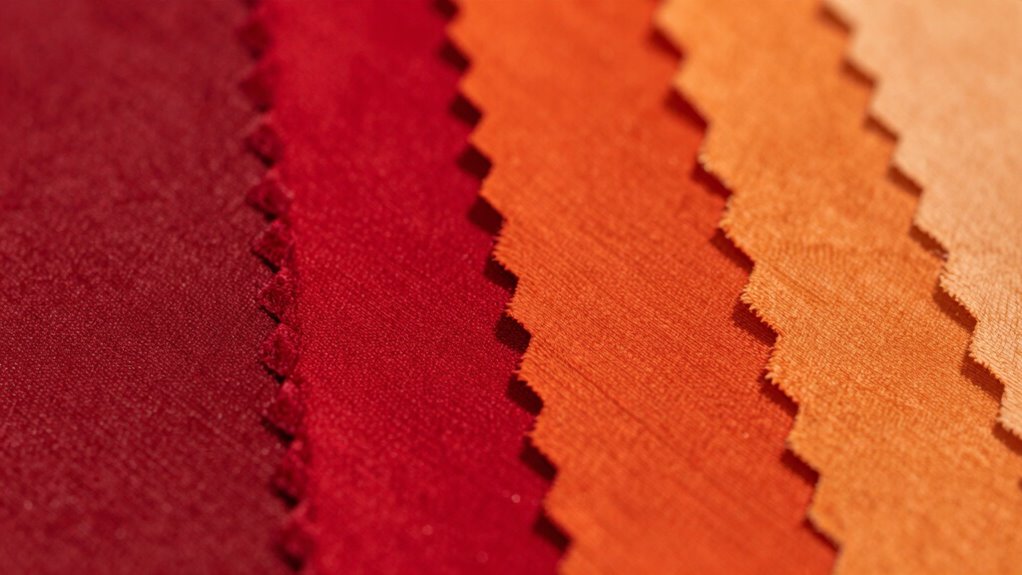
The choice of substrate greatly influences the final color output in sublimation printing. Different materials have varying levels of substrate compatibility, which can considerably affect color retention. For instance, selecting a high-quality polyester fabric can yield vibrant colors, while a lower-quality substrate may result in dull shades. Here’s a quick overview of common substrates and their effects on color output:
| Substrate Type | Compatibility | Color Retention |
|---|---|---|
| Polyester Fabric | High | Excellent |
| Cotton Blend | Moderate | Fair |
| Rigid Plastic | Low | Poor |
| Coated Aluminum | High | Very Good |
Understanding these choices helps you achieve the desired vibrancy in your prints, ensuring your colors pop as intended.
How Temperature Affects Color Fidelity
When you’re working with sublimation, the temperature you use plays a vital role in color fidelity. Striking the ideal temperature range guarantees vibrant colors, while any heat press variations can lead to unexpected shifts. Let’s explore how these factors influence your final results.
Optimal Temperature Range
While achieving vibrant colors in sublimation, maintaining the ideal temperature range is essential for guaranteeing color fidelity. Proper temperature control helps preserve the integrity of your colors, preventing shifts that can alter your designs. Here are some tips to keep in mind:
- Know your heat settings: Each substrate has its own ideal temperature.
- Monitor closely: A slight deviation can lead to color changes.
- Preheat materials: This guarantees even heat distribution.
- Use a reliable thermometer: Consistent readings help you maintain accuracy.
- Experiment within ranges: Test different settings to find the sweet spot.
Additionally, understanding filtration/suction basics can help improve the overall quality of your sublimation process.
Heat Press Variations
Understanding how heat press variations impact color fidelity is vital for achieving the best results in sublimation. Key factors like heat settings and pressure variations can greatly influence color outcomes. Proper platen alignment guarantees uniform heat distribution, while transfer time and substrate thickness also play significant roles.
Here’s a quick overview:
| Factor | Impact on Color | Best Practices |
|---|---|---|
| Heat Settings | Affects ink saturation | Use a reliable thermometer |
| Pressure Variations | Influences transfer quality | Adjust for substrate thickness |
| Environmental Factors | Can alter results | Control humidity & temperature |
Utilizing effective pre-press techniques and maintaining high print resolution are vital for successful color management. Keep these elements in mind to avoid unwanted color shifts.
Understanding Color Profiles in Sublimation Printing
Certainly! Here’s your revised content with the requested changes:
—
How can you guarantee the colors in your sublimation printing match your vision? Understanding color profiles is key. Proper color management and profile settings help secure your prints come out exactly as you expect. Here are some tips to get you started:
- Choose the right color profile for your printer and media.
- Calibrate your monitor to reflect true colors.
- Use ICC profiles to maintain consistency across devices. This is similar to using color profiles in audio gear, which ensures accurate sound reproduction.
- Test print samples to see how colors appear. Expert recommendations can often highlight the best practices for achieving ideal color accuracy.
- Adjust your settings based on test results to fine-tune your output. Additionally, incorporating cleaning and organization practices in your workspace can help ensure that dust and debris don’t interfere with your printing results. Ensuring proper kitchen ventilation can also improve air quality, positively affecting your workspace environment.
Additionally, embracing smart lifestyle tips can enhance your overall approach to printing and creativity.
—
Let me know if you need any further adjustments!
Top Practices to Prevent Color Shifts in Sublimation
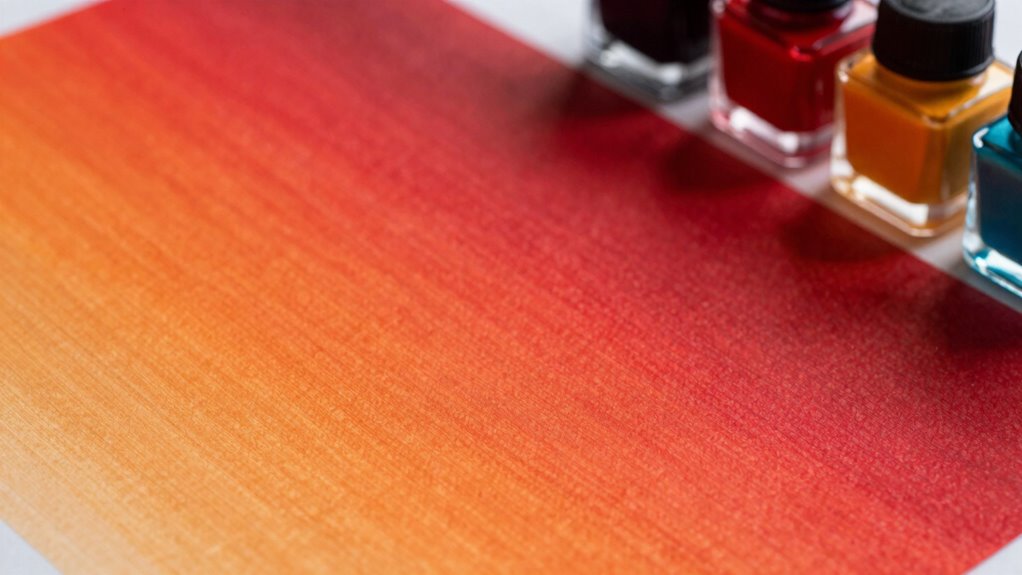
To prevent color shifts in your sublimation prints, it’s essential to implement best practices that guarantee consistency and accuracy. Start by ensuring proper ink saturation; too much or too little can distort colors. Regularly perform color correction on your designs to maintain vibrancy. Here’s a quick guide to help you:
| Practice | Description | Frequency |
|---|---|---|
| Monitor Calibration | Check printer settings for accuracy | Monthly |
| Test Prints | Run sample prints before final jobs | Per new design |
| Ink Quality | Use high-quality inks | Always |
| Color Profiles | Utilize correct ICC profiles | Per job |
| Environmental Control | Maintain consistent temperature/humidity | Daily |
How to Calibrate Your Printer for Accurate Color Output
Certainly! Here’s the updated content with the enhancement:
—
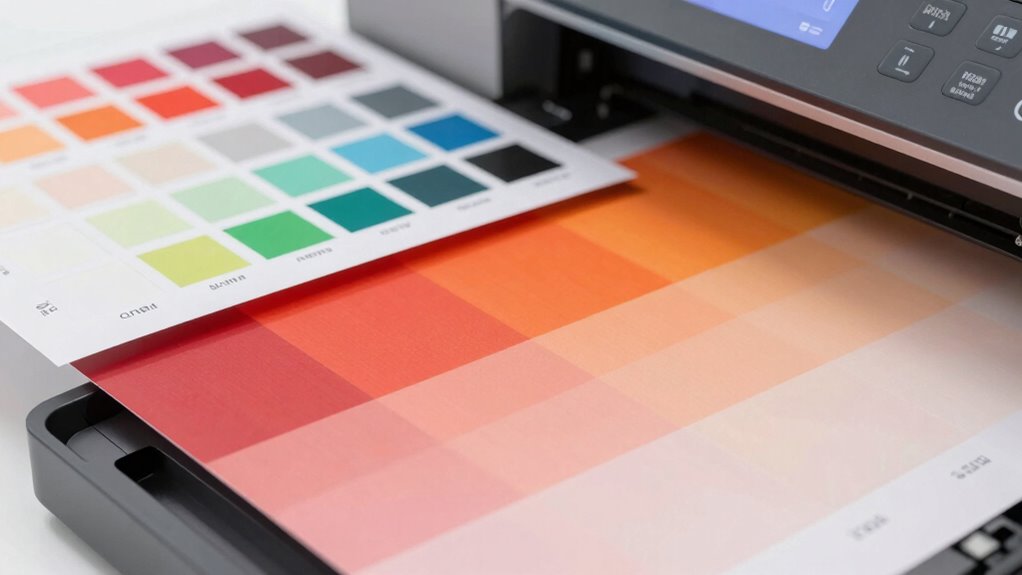
Calibrating your printer is essential for achieving accurate color output, especially in sublimation printing. Without proper color calibration, your prints might not reflect the vibrant hues you expect. Here’s how to get started:
- Check your printer settings: Make sure you’re using the correct color profile for your printer and media. Understanding color profiles can significantly improve your results, as different profiles are tailored for specific printing processes.
- Print test samples: Use test patterns to evaluate color accuracy before printing final designs. Regularly assessing color accuracy can help pinpoint issues early.
- Adjust color settings: Tweak saturation, brightness, and contrast to align with your desired output. Regular adjustments can also support your overall ergonomics during long printing tasks.
- Use a color calibration tool: Invest in tools that help measure and adjust your printer’s color output.
- Regularly recalibrate: Make it a habit to recalibrate your printer periodically to maintain accuracy.
Additionally, using anti-fatigue mats while standing can enhance your comfort and productivity during long printing sessions. These steps will help guarantee your colors remain true and vibrant.
—
Let me know if you need any further changes!
Troubleshooting Common Color Shift Issues
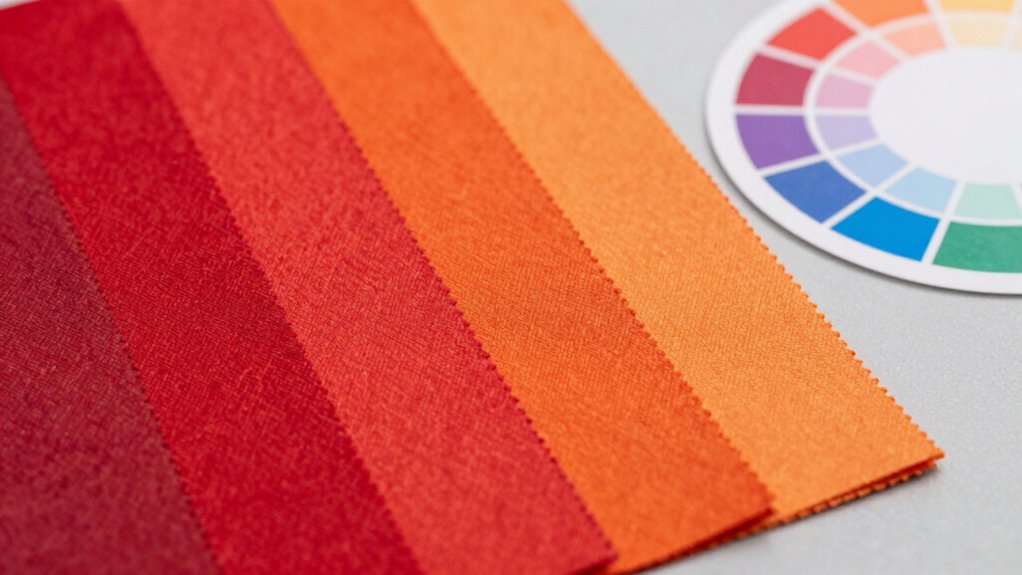
Even the best printers can experience color shifts, so it’s important to know how to troubleshoot these issues effectively. Start by checking your sublimation techniques. Make sure you’re using the right temperature and pressure settings; incorrect parameters can lead to unexpected color changes. Next, examine your ink and paper. Low-quality materials often compromise color consistency. If you’re still facing issues, consider recalibrating your printer or updating your drivers. It might also help to use color profiles tailored for your specific printer and substrate. Finally, don’t forget to perform regular maintenance on your printer to keep it in top shape. By following these steps, you can minimize color shifts and achieve the vibrant results you expect.
Frequently Asked Questions
Can Sublimation Printing Be Used on All Fabric Types?
Sublimation printing can’t be used on all fabric types. It works best on polyester and polymer-coated materials because they have high dye absorption capabilities. Fabrics like cotton or natural fibers don’t absorb sublimation dyes effectively, leading to poor results. If you’re looking to achieve vibrant colors, stick to compatible fabrics that can hold the dye well. Always check fabric compatibility to guarantee your designs turn out as intended!
How Long Do Sublimation Prints Last Before Fading?
Sublimation prints can last several years before fading, often maintaining their vibrancy for up to 10 years with proper care. The longevity depends on factors like fabric type and exposure to sunlight. To guarantee color stability, avoid harsh detergents and direct sunlight. When you handle your prints gently and store them correctly, you enhance their print longevity, keeping those colors looking fresh and vivid for as long as possible.
Is There a Difference Between Dye Sublimation and Traditional Printing?
Absolutely, there’s a difference between dye sublimation and traditional printing. Think of dye sublimation like painting with vibrant watercolors, where colors blend seamlessly. It uses heat to transfer dye onto materials, offering superior color accuracy and durability. In contrast, traditional printing, like applying stickers, lays ink on the surface, which can fade or chip over time. So, if you’re after rich, long-lasting colors, dye sublimation’s your best bet!
What Role Does Humidity Play in Sublimation Printing?
Humidity plays an essential role in sublimation printing. If moisture levels are too high, it can lead to issues like blurred images and inconsistent colors, affecting the final product’s quality. Conversely, low humidity can cause the dye to not transfer properly, resulting in faded prints. You need to control humidity effects carefully to guarantee vibrant, accurate colors and sharp details in your sublimation projects. Balancing moisture levels is vital for peak results.
Can I Adjust Colors After Printing to Correct Shifts?
Imagine trying to catch a sunset, only to find it’s faded. You can’t change what’s already printed, but you can adjust colors digitally. With color calibration tools and software adjustments, you can tweak your prints to better match your vision. It’s like painting over a canvas; while the original is set, you still have the power to enhance and correct. Just guarantee your adjustments are subtle for the best results!
Conclusion
In the vibrant world of sublimation, color shifts can feel like a sudden storm, altering your reds to unexpected oranges. But with the right knowledge and tools, you can navigate these turbulent waters. By understanding the nuances of ink quality, substrate choices, and temperature control, you’ll be the captain of your color ship, steering toward accurate and vivid prints. Embrace these practices, and let your creativity shine like a rainbow after the rain.
Fall Picks
fall essentials
As an affiliate, we earn on qualifying purchases.