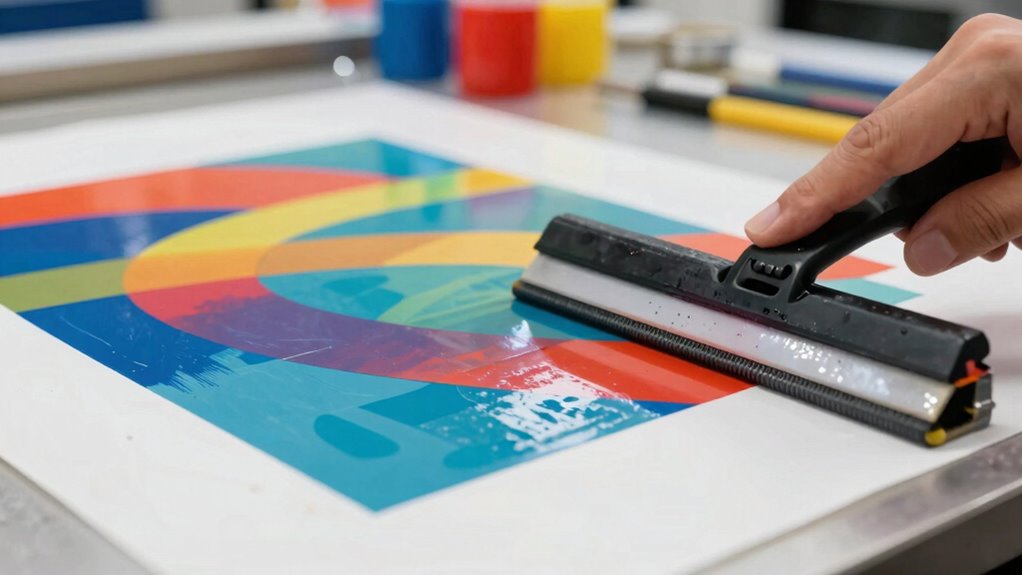
If your transfers look patchy, it’s likely due to improper pressure application. Low or inconsistent pressure can weaken adhesion, leading to uneven results. Adjust your heat settings and guarantee even pressure across the design. Remember, delicate fabrics need lighter pressure, while rigid surfaces require more. Regularly calibrate your heat press and check for wear to maintain consistent pressure. Keep experimenting with these tips and you’ll discover more ways to achieve flawless transfers.

Get your wardrobe favorites delivered free — and shop member deals
- Fast, free delivery on millions of items
- Access to Prime Big Deal Days deals on October 6–7
- Prime Video, Amazon Music and more included
Key Takeaways
- Ensure proper heat settings; too low or too high can lead to weak adhesion or scorching, resulting in patchy transfers.
- Maintain consistent pressure; uneven pressure distribution can cause areas to not adhere properly, leading to patchy designs.
- Regularly calibrate your heat press and use pressure gauges to monitor levels for optimal transfer quality.
- Test pressure settings on small fabric areas, adjusting based on material thickness and type for effective adhesion.
- Prepare surfaces by pre-washing fabrics to enhance adhesion and minimize transfer issues.
As an affiliate, we earn on qualifying purchases.
Identifying Common Causes of Patchy Transfers
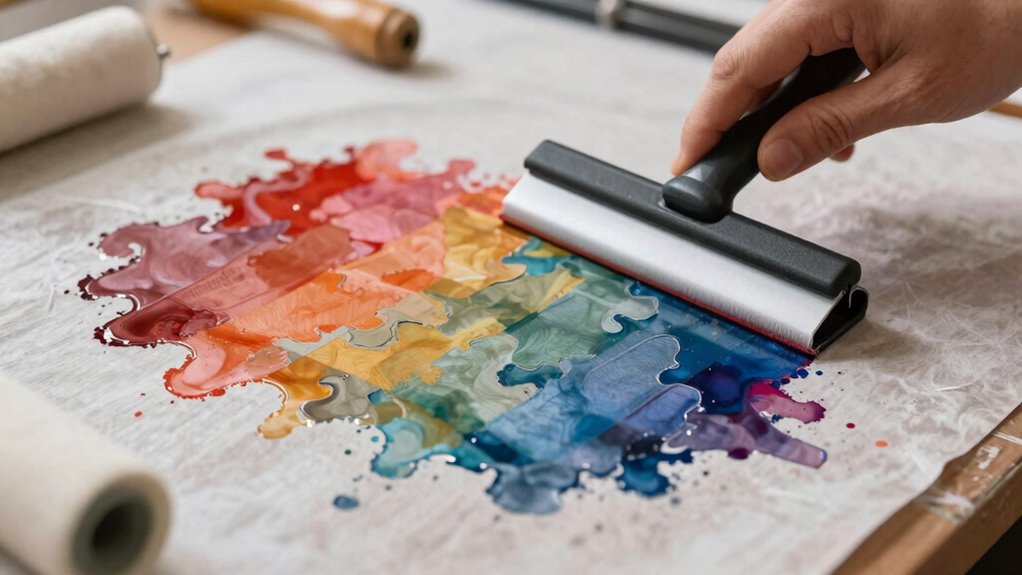
When you experience patchy transfers, it’s essential to identify the common causes behind the issue. Often, it comes down to the transfer materials you’re using. Low-quality materials can lead to inconsistent adhesion, resulting in those frustrating patches. Additionally, improper heat settings can play a considerable role. If your temperature isn’t high enough, the design won’t bond properly, while excessive heat can scorch the material, causing uneven transfers. Always double-check that your heat press is calibrated correctly and that you’re using the right settings for each specific material. By addressing these factors, you can greatly improve transfer quality and achieve a more consistent, professional finish.
Understanding Pressure’s Impact on Transfer Quality
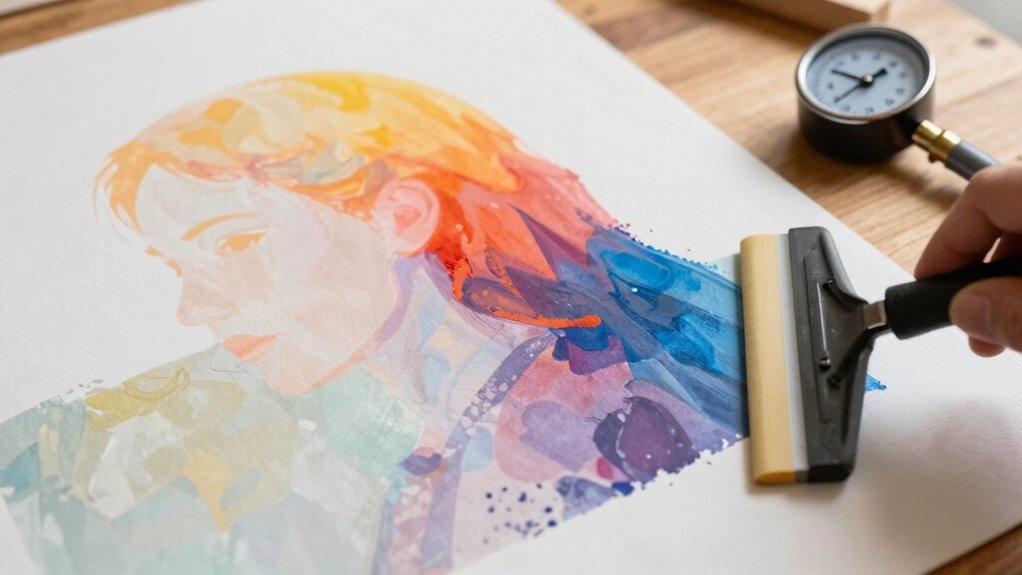
While you may focus on temperature and material quality, pressure is equally essential for achieving excellent transfer results. The right pressure can make or break your design. Different pressure types affect how well your transfer adheres, impacting its overall quality. Here are four key points to take into account:
Pressure is as crucial as temperature and material quality for achieving superior transfer results.
- Pressure Types: Understand the differences between high, medium, and low pressure.
- Transfer Techniques: Each technique requires specific pressure settings for peak results.
- Even Distribution: Verify pressure is evenly applied across the entire design.
- Adjustments: Be ready to tweak pressure settings based on the materials you’re using.
How to Choose the Right Pressure Settings for Various Methods
Sure! Here’s the revised content based on your instructions:
—
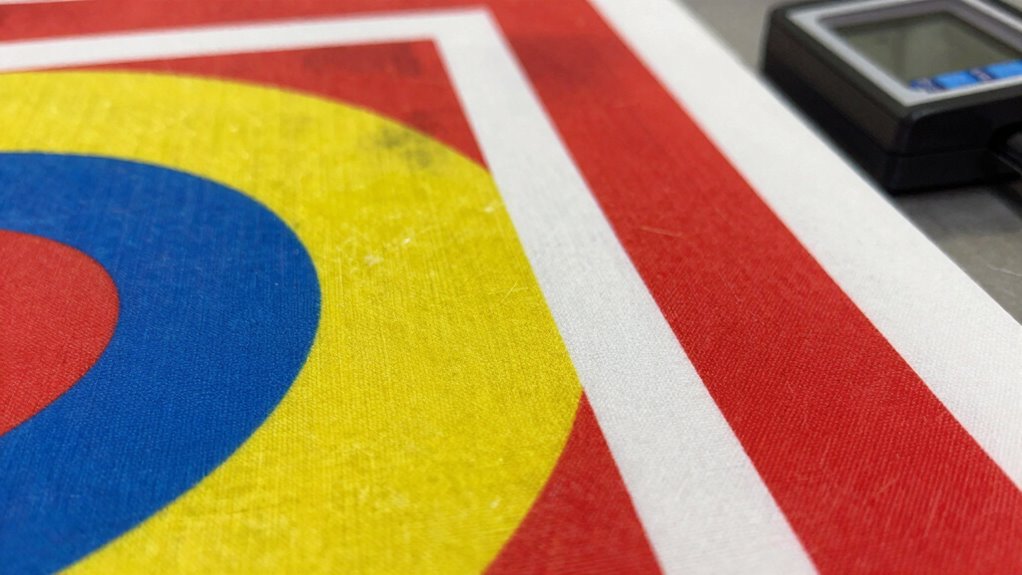
Choosing the right pressure settings for various transfer methods can greatly impact your results, as each technique demands specific adjustments to achieve ideal adhesion. Start by considering the heat settings; they play an essential role in how well your transfer bonds with the substrate. For instance, lower pressure may be suitable for delicate fabrics, while heavier pressure works better on rigid surfaces. Additionally, using an airless paint sprayer can help achieve a smooth finish that complements your transfer work. Using the correct tip size can also influence the quality of your application.
Understanding contrast ratios can also help you gauge how different materials respond to pressure, enhancing the overall quality of your transfers. Next, account for substrate variations—different materials like cotton, polyester, or ceramics react differently under pressure. Always test on a small area first to verify you’ve got the right balance. By fine-tuning these settings, you’ll enhance your transfer quality and avoid those pesky patchy results. Additionally, understanding airless paint spraying techniques can provide valuable insights into optimizing your pressure settings for better outcomes.
—
Let me know if you need further adjustments!
Tips for Maintaining Consistent Pressure During Transfers
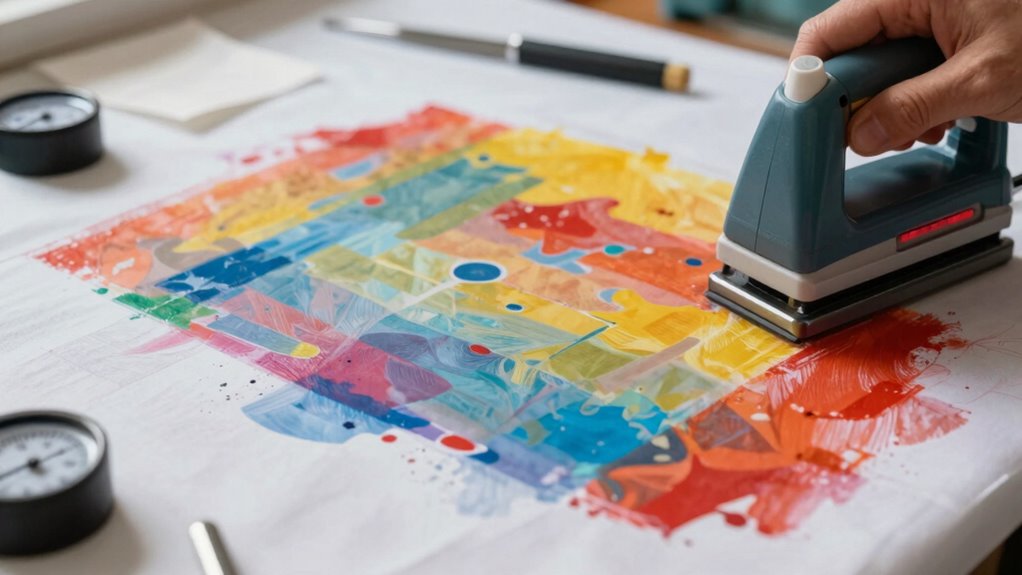
To guarantee consistent pressure during transfers, it’s essential to regularly check your heat press or transfer machine for calibration. This guarantees your transfer techniques yield the best results without patchiness. Here are some tips to maintain that consistent pressure:
Regular calibration of your heat press ensures optimal pressure for flawless transfers and prevents patchiness in your designs.
- Regular Calibration: Check pressure calibration before each session to guarantee accuracy.
- Use a Pressure Gauge: Invest in a gauge to monitor pressure levels during transfers.
- Adjust for Material Thickness: Different fabrics may require adjustments; don’t overlook this!
- Inspect the Machine: Regularly check for wear and tear on pads and platens that could affect pressure.
Troubleshooting Common Issues With Transfers
Sure! Here’s the revised content with the requested changes:
—
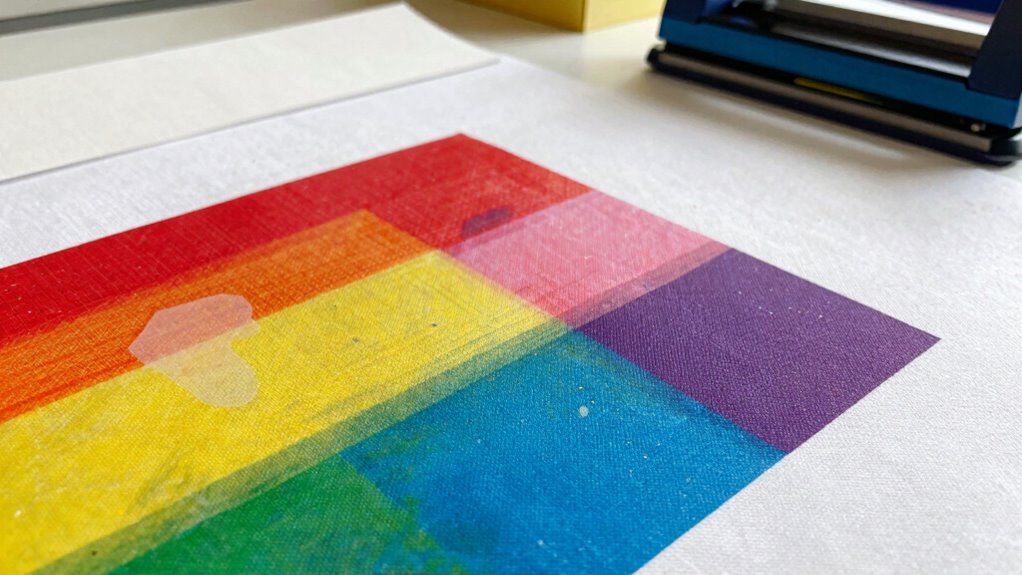
Even with consistent pressure, issues can still arise during transfers. First, check your heat settings; too high or too low can lead to poor adhesion. Next, consider your transfer materials—some require specific conditions to stick effectively. If you notice patchiness, it might be due to improper application techniques. Make sure you’re applying even pressure and not rushing the process. Additionally, surface preparation plays an essential role; clean, dry surfaces enhance adhesion. If you’re using fabric, pre-wash it to remove any finishes that could interfere. Finally, if you’ve tried everything and still see issues, it might be worth experimenting with different transfer materials to find the best match for your project. Routine maintenance can make all the difference! Understanding kitchen science can also significantly improve your transfer results, as proper knowledge about materials can lead to better adhesion. Additionally, ensuring proper airflow around your workspace can help in creating an optimal environment for transfers. Maintaining good indoor air quality can also prevent dust from affecting your transfer outcomes. Troubleshooting can make all the difference!
—
Let me know if you need any more modifications!
Frequently Asked Questions
Can Environmental Factors Affect Transfer Quality?
Yes, environmental factors can greatly affect transfer quality. Temperature effects play an essential role; if it’s too hot or cold, your transfers might not adhere properly. You’ve also got to take into account surface preparation—if the surface isn’t clean or suitable, the transfer won’t stick well. Always check the environment before starting your project to guarantee ideal conditions. Proper temperature and surface prep can make all the difference in achieving a flawless transfer.
What Materials Are Best for Preventing Patchy Transfers?
To prevent patchy transfers, you’ll want to stick with high-quality transfer materials like heat transfer vinyl or sublimation paper. These options work best on ideal surfaces such as cotton or polyester blends. Make sure your surfaces are clean and properly prepped, too—nobody wants a transfer that looks like it was printed with a typewriter! Investing in the right materials and surfaces will definitely elevate your results and keep your projects looking sharp.
How Does Humidity Influence Pressure During Transfers?
Humidity affects pressure during transfers by altering moisture levels in your materials. When humidity’s high, excess moisture can disrupt the bonding process, leading to uneven transfers. You might find that your designs don’t adhere properly or look patchy. Conversely, low humidity can make materials too dry, resulting in insufficient pressure. To achieve consistent results, you should monitor humidity levels and adjust your methods accordingly for ideal transfers.
Are There Specific Tools to Measure Transfer Pressure Accurately?
Yes, there are specific tools to measure transfer pressure accurately. You should consider using pressure gauges designed for your transfer machines. These gauges help you monitor the pressure in real-time, ensuring consistency during the transfer process. Additionally, some advanced transfer machines come equipped with built-in pressure sensors, offering precise readings. By using these tools, you can avoid issues related to pressure fluctuations and achieve better results with your transfers.
What Common Mistakes Lead to Uneven Transfers?
About 30% of transfer issues arise from uneven pressure. To avoid this, guarantee your ink consistency is spot-on; too thick or too thin can lead to patchiness. Also, double-check your heat settings—too low might not activate the ink properly, while too high can scorch your material. Keep these factors in mind, and you’ll see a significant improvement in your transfers, resulting in a smoother, more professional finish every time.
Conclusion
In the end, achieving flawless transfers is all about mastering the delicate dance of pressure. By fine-tuning your settings and keeping a watchful eye on consistency, you’ll transform those pesky patchy spots into a smooth masterpiece. So, don’t let pressure get the best of you—embrace the art of the transfer, and soon enough, you’ll create stunning results that shine. With a little patience and practice, you’ll be well on your way to perfection!
Fall Picks
fall essentials
As an affiliate, we earn on qualifying purchases.