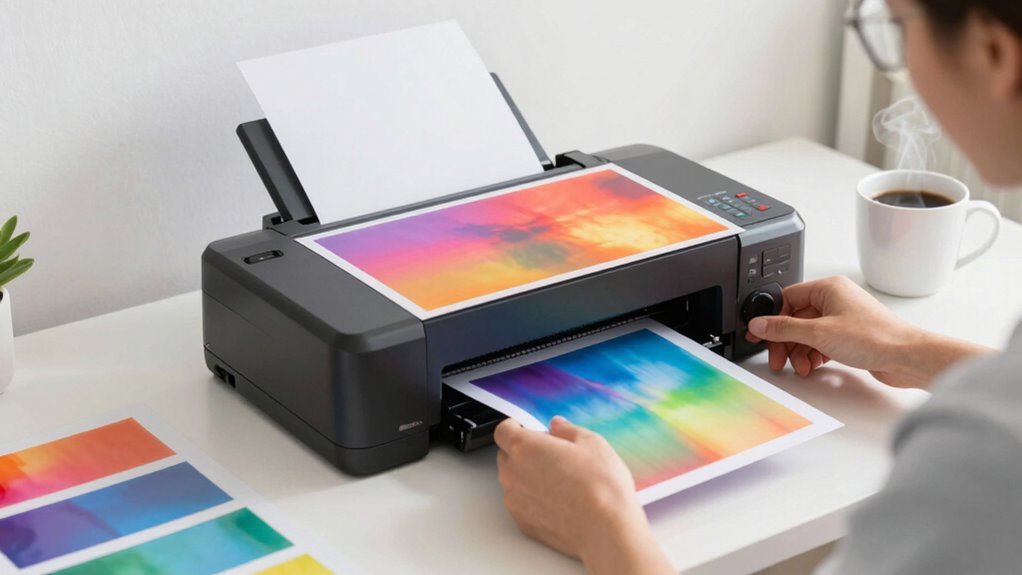

To prevent ghosting in sublimation, focus on proper alignment, pressure, and temperature. Make certain your transfers are secured tightly to avoid shifts during pressing. Use high-quality sublimation paper for better ink absorption, and maintain uniform pressure across your design. Regularly check your equipment and settings to guarantee peak performance. By paying attention to these often-overlooked factors, you’ll achieve vibrant prints without unwanted shadows. There’s more to explore on how to enhance your sublimation process.

Get your wardrobe favorites delivered free — and shop member deals
- Fast, free delivery on millions of items
- Access to Prime Big Deal Days deals on October 6–7
- Prime Video, Amazon Music and more included
Key Takeaways
- Ensure proper alignment of transfers and secure them to prevent shifts during pressing, reducing the risk of ghosting.
- Maintain correct temperature and pressure settings tailored to specific substrates for even ink distribution.
- Use high-quality sublimation paper with appropriate weight and coating to enhance ink absorption and transfer quality.
- Regularly calibrate and maintain equipment to ensure optimal performance and consistent heat distribution during the sublimation process.
- Implement effective color management and higher print resolutions to minimize blurriness and improve overall image clarity.
sublimation transfer paper high quality
As an affiliate, we earn on qualifying purchases.
As an affiliate, we earn on qualifying purchases.
What Is Ghosting in Sublimation Printing?
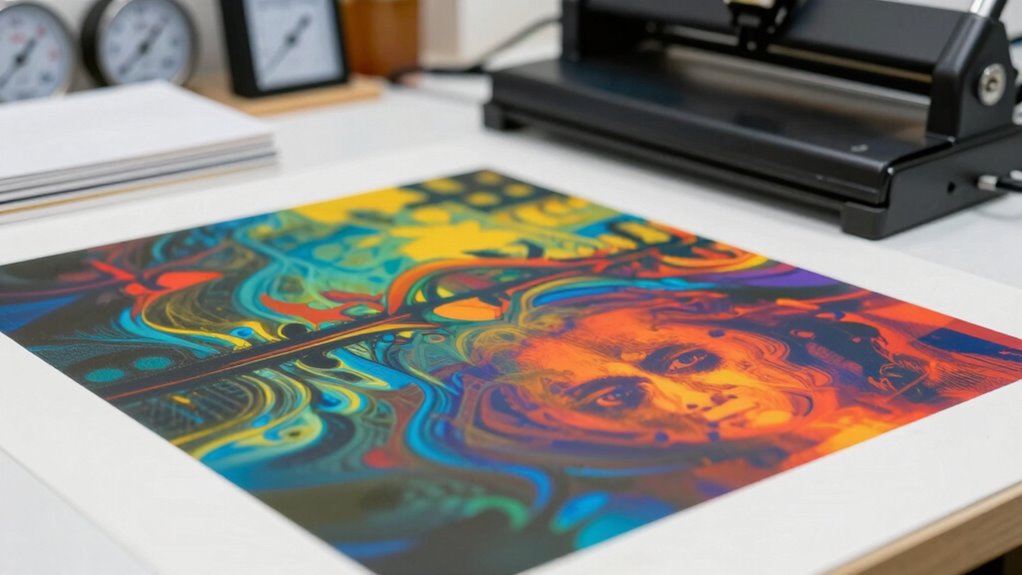
Ghosting in sublimation printing refers to the unintended shadows or blurred images that appear on your final product. This phenomenon can greatly affect your print precision, leading to unsatisfactory results. When you use various sublimation techniques, you may inadvertently create conditions that contribute to ghosting. Factors like improper alignment, inadequate pressure, or insufficient heat can all play a role in this issue. To achieve the best outcomes, it’s essential to make sure your materials are positioned correctly and that your equipment is calibrated for peak performance. By understanding ghosting and its causes, you can take proactive steps to enhance your sublimation process and produce crisp, clear images every time.
Common Mistakes That Lead to Ghosting in Sublimation
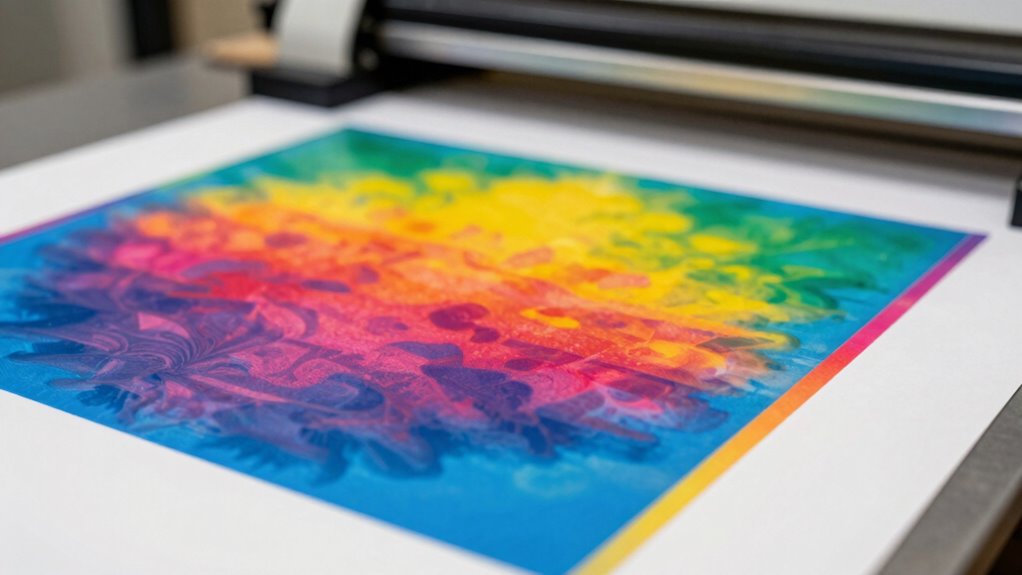
When you’re working with sublimation printing, overlooking key details can easily lead to ghosting. One common mistake is not securing your transfer properly. If the transfer shifts during pressing, it can cause ink bleed, ruining your design. Another issue arises from using incorrect temperature or pressure settings; these can lead to uneven ink distribution, resulting in color fading. Additionally, using worn-out or poor-quality sublimation ink can cause inconsistent results, making ghosting more likely. Always double-check your materials and settings before you start to guarantee everything’s aligned. By avoiding these pitfalls, you can produce crisp, vibrant prints and keep ghosting at bay. Proper sleep hygiene can also help you stay attentive, ensuring your sublimation projects will shine!
Moreover, understanding color accuracy can further enhance the quality of your prints. To maintain the integrity of your designs, consider implementing regular maintenance routines for your sublimation equipment.
How Sublimation Paper Affects Ghosting
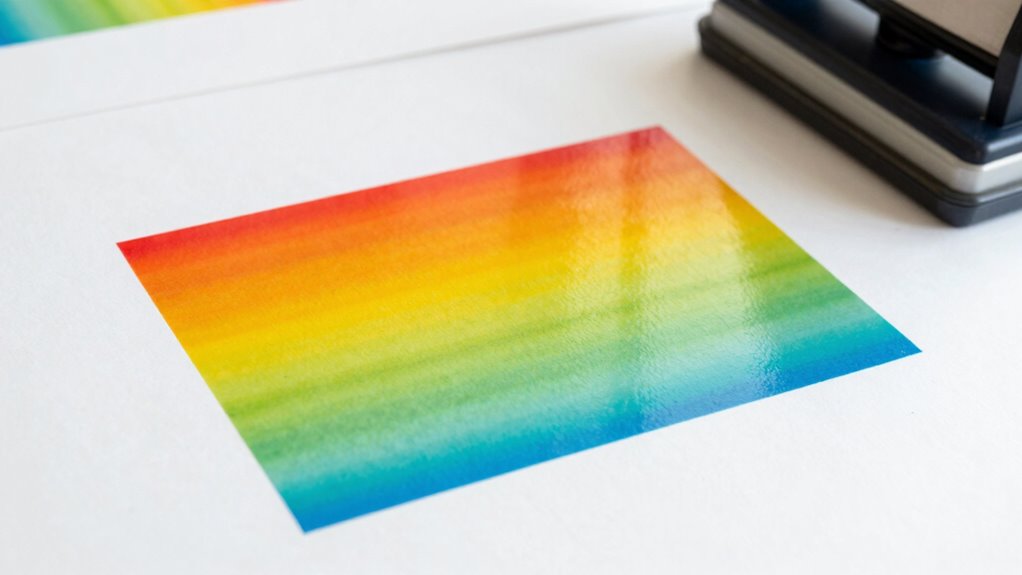
When it comes to preventing ghosting in sublimation, the type of paper you use plays a vital role. High-quality sublimation paper guarantees better ink absorption and minimizes transfer issues. If you don’t pay attention to these factors, you could end up with less-than-perfect results.
Paper Quality Matters
Sure! Here’s your article subheading content with the requested modifications:
—
Choosing the right sublimation paper is essential for achieving vibrant prints without unwanted ghosting. The quality of the paper directly impacts your results, so consider these factors:
- Paper Weight: Heavier paper often absorbs ink better, reducing ghosting. Additionally, using high-quality materials can enhance overall print performance and minimize issues. This is similar to how light therapy devices utilize specific materials to optimize their effectiveness. A higher paper quality can also improve ink retention and enhance print clarity. Regularly checking and maintaining air purifier filters can also help ensure optimal performance in your workspace environment.
- Coating Types: Different coatings can affect how ink adheres and transfers, so choose wisely.
- Surface Texture: A smoother surface can yield sharper images, while a textured one may lead to blurring.
- Brand Reputation: Opt for well-reviewed brands that specialize in sublimation to guarantee consistency. Additionally, using anti-fatigue mats can help maintain comfort during long printing sessions, indirectly improving your focus and results.
—
Let me know if you need any more adjustments!
Ink Absorption Rate
The ink absorption rate of sublimation paper plays a significant role in preventing ghosting. When you choose paper with the right absorption, it helps maintain ideal ink density during the transfer process. If the paper absorbs too quickly or slowly, you risk uneven ink distribution, leading to ghosting.
Careful substrate selection is essential here. Different materials react differently, so pairing the right sublimation paper with your substrate can make a big difference. For instance, if you’re working with fabrics or hard surfaces, the absorption rate should match the substrate’s characteristics. This balance guarantees that the ink stays in place, allowing for crisp, clear images without the unwanted blur that ghosting can cause.
Transfer Timing Impact
While timing might seem like a minor detail, it greatly impacts the quality of your sublimation transfer and can contribute to ghosting. Getting your transfer timing right guarantees that the ink fully adheres to the substrate without leaving any unwanted marks. Here are key factors to take into account for ideal results:
- Transfer Speed: Adjust your speed to match the material for better absorption.
- Timing Precision: Use a timer to avoid over or under pressing.
- Temperature Consistency: Maintain a steady heat for uniform results.
- Paper Quality: Choose high-quality sublimation paper to enhance ink transfer.
Best Sublimation Papers to Avoid Ghosting
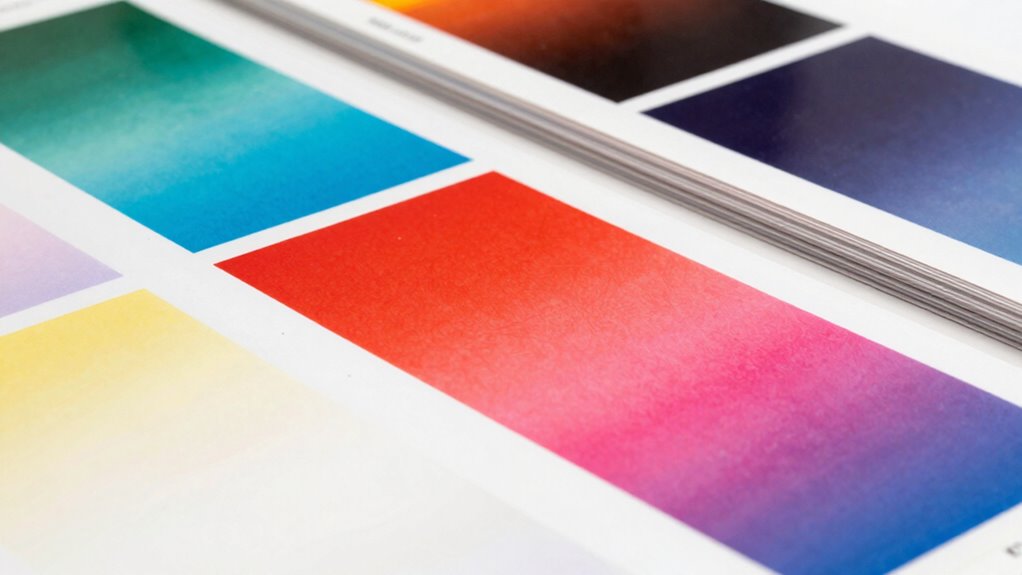
When it comes to sublimation, selecting the right paper is essential for achieving vibrant, long-lasting prints without ghosting. You’ll find various sublimation paper types, but not all are created equal. For the best results, consider coated papers designed specifically for sublimation. These typically offer better ink absorption and reduce the risk of ghosting.
When doing a paper thickness comparison, thinner papers might be tempting due to their ease of handling, but they can lead to more movement during the transfer process. A slightly thicker paper can help maintain stability, ensuring your prints stay sharp. Ultimately, choosing the right sublimation paper will greatly impact your final results, keeping ghosting at bay.
Optimizing Temperature and Pressure to Prevent Ghosting
Choosing the right sublimation paper is just the first step in preventing ghosting; optimizing temperature and pressure during the transfer process is equally important. Here’s how to guarantee you get it right:
- Maintain even heat distribution: Uneven heat can lead to inconsistent transfers. Incorporating smart technology can help monitor heat levels more effectively. Additionally, using temperature sensors can provide real-time data to ensure uniform heating. This can be further enhanced with AI-driven monitoring systems that adjust settings automatically based on current conditions. Proper heat management techniques can also play a crucial role in achieving consistent results.
- Check your heat press settings: Confirm you’re using the correct temperature for your specific substrate.
- Ensure pressure consistency: Apply uniform pressure across the entire design to prevent ghosting.
- Use a test substrate: Run a few tests to fine-tune your settings before the final transfer.
- Consider the impact of heat transfer technology on your results, as advancements in this area can significantly enhance the quality of your sublimation process.
Adjusting Your Setup to Say Goodbye to Ghosting
To say goodbye to ghosting, you need to focus on your setup. Make sure your temperature settings are spot on and that your paper is securely aligned. These adjustments can make a significant difference in your results. Additionally, understanding kitchen science can help you optimize your sublimation process for the best outcomes. Proper kitchen ventilation can also improve air circulation, ensuring your workspace remains at an ideal temperature for sublimation. Furthermore, maintaining good indoor air quality can prevent dust and particles from affecting your sublimation prints. Keeping your workspace free of allergens and pollutants is essential for achieving the highest quality prints. Consider implementing preventative measures similar to those used in tick-borne disease prevention to ensure your workspace remains clean and effective.
Proper Temperature Settings
Achieving the right temperature settings is essential for preventing ghosting in sublimation. If you don’t calibrate your heat properly, temperature fluctuations can lead to unwanted results. Here’s how to guarantee your setup is on point:
- Check your heat calibration regularly to maintain consistency.
- Use a reliable thermometer to monitor your press’s temperature accurately.
- Adjust settings based on material; different substrates may require slight tweaks.
- Conduct test prints to confirm ideal temperature before the final run.
- Ensuring proper technique & form can significantly improve your sublimation outcomes.
Secure Paper Alignment
While you might have the perfect temperature settings, improper paper alignment can still lead to ghosting in sublimation. To guarantee crisp, clear prints, focus on precise paper positioning. Start by securing your sublimation paper firmly onto the substrate. Use heat-resistant tape to hold it in place, preventing any movement during the transfer process.
Employ alignment techniques like measuring from edges or using registration marks to ensure accurate placement. This attention to detail prevents overlaps and misalignments that can cause ghosting. Always double-check that your paper is flat and smooth before pressing. By prioritizing secure paper alignment, you’ll greatly reduce the chances of ghosting and achieve vibrant, high-quality results every time.
Tips for Preventing Ghosting and Achieving Vibrant Prints
Preventing ghosting in sublimation is essential for guaranteeing your prints are vibrant and sharp. To achieve this, focus on these key tips:
- Optimize color management: Confirm your color profiles are correctly set for your printer and materials. Additionally, ensuring your printer settings are aligned with your substrate can enhance color accuracy.
- Check print resolution: Higher resolutions can minimize blurriness and prevent ghosting effects.
- Maintain even pressure: Use consistent pressure across your heat press to secure even transfer.
- Avoid excessive heat: Too much heat can cause ink to expand and shift, leading to ghosting. Additionally, understanding color profiles is crucial for achieving the best results in your sublimation projects.
Frequently Asked Questions
Can Humidity Levels Affect Sublimation Ghosting?
Yes, humidity levels can definitely affect sublimation ghosting. When you’re using sublimation techniques, high humidity can cause moisture to interfere with the transfer process, leading to unwanted blurring or ghosting. To combat this, you should focus on humidity control in your workspace. Keep your environment dry, ideally between 30-50% humidity, to guarantee crisp, clear results. This simple adjustment can greatly improve your sublimation outcomes.
How Often Should I Clean My Heat Press?
You wouldn’t want dirt interfering with your projects, right? You should clean your heat press regularly, ideally after every few uses, to maintain its efficiency. Dust, ink residue, and oils can accumulate, affecting your results. For best heat press maintenance, inspect it weekly and give it a thorough clean monthly. Keeping it in top shape not only extends its life but also guarantees consistent quality in your sublimation prints.
Does the Age of Sublimation Ink Matter?
Yes, the age of sublimation ink does matter. As ink ages, its viscosity can change, affecting how well it transfers during sublimation. Old ink might not flow properly, leading to poor sublimation transfers and potential ghosting. You’ll want to regularly check your ink and replace it if it’s been sitting around for too long. Fresh ink guarantees better performance, vibrant colors, and crisp details in your final product.
What Fabrics Are Least Prone to Ghosting?
When you’re concerned about ghosting, you might think any fabric will work, but that’s not true. Fabrics like polyester and specially treated cotton blends are least prone to ghosting. These material blends allow for better ink absorption and retention. Avoid using low-quality or high-cotton fabrics, as they can lead to blurry prints. So, stick with high polyester content for the best results in your sublimation projects.
Can Ghosting Occur During Storage of Finished Products?
Yes, ghosting can occur during sublimation storage if finished products aren’t handled properly. When you stack or store them without adequate protection, heat and pressure can transfer unwanted designs. To prevent this, use protective layers like tissue paper between items, and store them in a cool, dry place. Always guarantee your storage methods minimize contact and pressure to keep your sublimated designs pristine and avoid any unexpected ghosting.
Conclusion
By following these tips, you can say goodbye to ghosting and hello to vibrant prints! It’s often the little adjustments that make a big difference. You might just find that the right sublimation paper or a slight tweak in temperature is all it takes. Imagine pulling that flawless print from your press and feeling that rush of satisfaction. With your newfound knowledge, you’ll avoid ghosting and create stunning results every time—just like you always dreamed!
Fall Picks
fall essentials
As an affiliate, we earn on qualifying purchases.